Privacy-First Employee Monitoring - Building Trust While Maintaining Visibility
Explore how privacy-first employee monitoring creates better outcomes for both employers and employees through transparency, respect, and intelligent AI analysis.
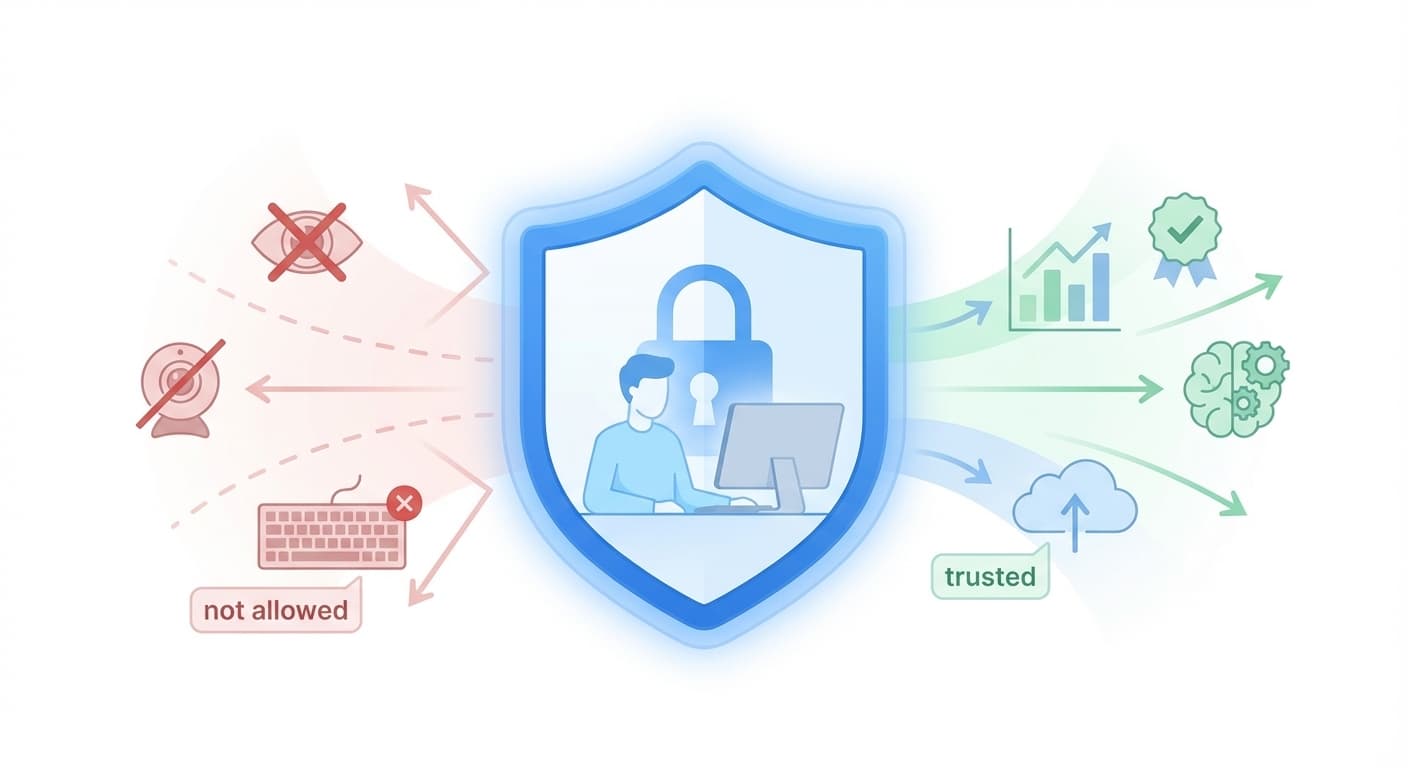
Privacy-First Employee Monitoring: Building Trust While Maintaining Visibility
The transition to remote work created a monitoring paradox: managers feel they need more visibility, while employees fear invasive surveillance. Privacy-first monitoring resolves this paradox by providing necessary insights without crossing ethical boundaries.
The Privacy Crisis in Employee Monitoring
The Problem
Recent surveys reveal troubling trends:
- 54% of remote workers report feeling uncomfortable with monitoring
- 78% say monitoring makes them trust their employer less
- 43% have experienced invasive monitoring (constant screenshots, keystroke logging)
- 62% would consider leaving a job over invasive monitoring
Yet organizations have legitimate needs:
- Verify work is being done
- Identify productivity blockers
- Allocate resources effectively
- Maintain security and compliance
What is Privacy-First Monitoring?
Privacy-first monitoring collects the minimum necessary data to achieve legitimate business goals, with maximum transparency about what's collected and why.
Core Principles
1. Intelligent Analysis Over Raw Surveillance
Traditional Monitoring:
- Every keystroke captured
- Full screenshot every 5 minutes
- Complete browsing history
- Email and message content
Privacy-First Monitoring (ScreenJournal):
- Screen recording analyzed by AI for patterns
- Keystroke and click counts only (never content)
- Application categories, not specific content
- No message content, ever
The key difference: AI extracts insights from recordings, then purges the raw footage. You get intelligence without permanent surveillance archives.
2. Explicit Transparency
Employees should know:
- Exactly what data is collected
- How it will be analyzed
- Who can access insights
- How long recordings are retained
- Their rights regarding the data
Example: What ScreenJournal Tells Employees
What We Record
- Screen activity across all displays
- Application usage (names and duration)
- Keyboard/mouse activity levels (counts, not content)
What We DON'T Record
- Actual typed content or passwords
- Webcam or microphone
- Personal message contents
- Specific document contents
How It's Used
- AI analyzes patterns to generate Effort Scores
- Weekly reports identify team trends
- Anomaly detection flags potential issues
- Managers see insights, not raw recordings
Your Rights
- View your own Effort Score and metrics
- Understand exactly how you're evaluated
- Request clarification on any flagged patterns
3. Purpose Limitation
Data collected for productivity monitoring cannot be repurposed for:
- Disciplinary actions (as sole evidence)
- Performance reviews (without explicit context)
- Third-party sales
- Purposes beyond stated scope
4. Employee Access
Every employee should have:
- Real-time access to their own metrics
- Ability to see how they're scored
- Understanding of how they're evaluated
- Option to discuss flagged patterns
How Screen Recording Can Be Privacy-First
Many assume screen recording is inherently invasive. ScreenJournal proves otherwise:
AI Analysis, Not Human Review
Raw recordings aren't reviewed by managers. Instead:
- AI processes the recording - Identifies applications, activity patterns, focus periods
- Insights are extracted - Effort Score, anomalies, trends
- Recording is purged - Configurable retention (default 3 days)
- Managers see reports - Weekly digest with insights, not footage
Result: Managers get better information (full context, not snapshots) while employees have more privacy (AI analysis, not human surveillance).
What AI Detects vs. What Humans Would See
| AI Extracts | AI Ignores |
|---|---|
| Time in Excel vs. YouTube | Actual spreadsheet contents |
| Focus blocks vs. frequent switching | Specific documents open |
| Activity intensity patterns | What was typed |
| Schedule adherence | Personal browsing details |
The AI is trained to identify work patterns, not read content.
Legal Framework
GDPR Compliance (EU)
Key requirements for employee monitoring:
Lawfulness:
- Legitimate interest (productivity) exists
- Less invasive alternatives considered
- Data minimization applied
Transparency:
- Clear privacy notice
- Data processing register maintained
- Regular communication about monitoring
Individual Rights:
- Right to access data
- Right to rectification
- Right to erasure
- Right to restrict processing
CCPA Compliance (California)
Requirements include:
- Annual notice of monitoring
- Disclosure of data categories collected
- Purpose of collection explained
- Right to request data deletion
Best Practices for Compliance
- Conduct Privacy Impact Assessments before implementation
- Appoint a Data Protection Officer for monitoring oversight
- Implement Data Retention Policies (recommend 3-7 days for recordings)
- Provide Annual Privacy Training for managers
- Document Everything - policies, consents, assessments
Building a Privacy-First Program
Step 1: Define Legitimate Needs
Ask: "What do we need to know, not what can we know?"
Good: Weekly productivity trends Bad: Minute-by-minute activity logs
Good: Effort Score showing focus patterns Bad: Screenshots of every document opened
Step 2: Choose Privacy-First Tools
Evaluation criteria:
| Feature | Privacy-First | Invasive |
|---|---|---|
| Screen Data | AI-analyzed, short retention | Permanent screenshot archives |
| Keystrokes | Count only | Content captured |
| Analysis | AI extracts patterns | Manager reviews raw footage |
| Idle Time | General patterns | Second-by-second tracking |
| Data Access | Employee can view own metrics | Manager-only access |
Step 3: Transparent Rollout
Week 1-2: Announcement
- Explain business need clearly
- Detail what will be recorded
- Answer questions in town halls
- Provide written documentation
Week 3-4: Testing Phase
- Pilot with volunteer team
- Gather feedback
- Make adjustments
- Document concerns and solutions
Week 5+: Full Rollout
- Start with "learning mode" (no actions taken on data)
- Regular check-ins with team
- Continuous feedback loop
- Adjust as needed
Step 4: Ongoing Management
Weekly:
- Review AI-generated reports
- Act on flagged anomalies appropriately
- Celebrate identified successes
Monthly:
- Review data collection practices
- Update team on insights gained
- Check for scope creep
- Validate approach is working
Quarterly:
- Privacy impact assessment
- Employee satisfaction survey
- Policy review and updates
- Compliance audit
Privacy-First vs. Traditional Monitoring
Case Study: Tech Startup (50 employees)
Traditional Monitoring (First 6 months):
- Constant screenshots
- Full URL logging
- Keystroke logging
- Results:
- 40% increase in employee stress
- 25% turnover (citing monitoring)
- No measurable productivity gain
- 2 GDPR complaints
Privacy-First with ScreenJournal (Next 6 months):
- AI-analyzed screen recording
- Activity counts only
- Weekly AI reports
- Results:
- 30% decrease in employee stress
- 5% turnover (normal range)
- 15% productivity improvement
- Zero privacy complaints
Common Objections
"We need more data to manage effectively"
Reality: More data often means more noise. Privacy-first monitoring focuses on signal over noise.
Successful management requires:
- ✅ Trend identification
- ✅ Pattern recognition
- ✅ Anomaly detection
- ❌ Minute-by-minute surveillance
"Employees will abuse privacy protections"
Reality: Trust creates accountability. When employees know:
- They're trusted
- Monitoring is reasonable
- They can see their own data
- Evaluation is fair
They perform better, not worse.
"AI analysis isn't as good as seeing everything"
Reality: AI analysis is often better because:
- It processes more data than humans can review
- It identifies patterns humans miss
- It's consistent and objective
- It scales across large teams
The Business Case for Privacy-First
Improved Retention
Organizations with privacy-first monitoring see:
- 35% lower turnover
- 50% fewer privacy-related complaints
- 20% higher employee satisfaction scores
Better Productivity
Counterintuitively, less invasive monitoring yields:
- 15-20% productivity improvements
- Higher quality work output
- More innovative problem-solving
- Improved team collaboration
Reduced Legal Risk
Privacy-first approaches:
- Minimize GDPR/CCPA violations
- Reduce wrongful termination suits
- Lower privacy investigation costs
- Improve regulatory compliance scores
Enhanced Reputation
Organizations known for ethical monitoring:
- Attract top talent more easily
- Receive better reviews on Glassdoor
- Build stronger employer brands
- Win more privacy-conscious clients
Implementing Privacy-First Today
Quick Wins
-
Audit Current Practices
- List all data collected
- Identify unnecessary collection
- Remove invasive tools
-
Increase Transparency
- Create clear privacy notice
- Give employees data access
- Host Q&A sessions
-
Implement Safeguards
- Data retention limits (3-7 days for recordings)
- Access controls (need-to-know)
- Regular privacy reviews
Long-term Strategy
- Year 1: Build privacy-first foundation with ScreenJournal
- Year 2: Optimize insights and team buy-in
- Year 3: Industry-leading privacy program
Conclusion
Privacy-first employee monitoring isn't about collecting less data—it's about collecting the right data and analyzing it intelligently. It's not about trusting blindly—it's about trusting intelligently.
Organizations that embrace privacy-first monitoring don't sacrifice visibility; they gain something more valuable: trust.
And in the age of remote work, trust might be the most important metric of all.
Want to transition to privacy-first monitoring? Register for early access to see how ScreenJournal balances visibility with privacy.
Additional Resources
Ready to improve your employees' productivity by 200%?
Related Posts
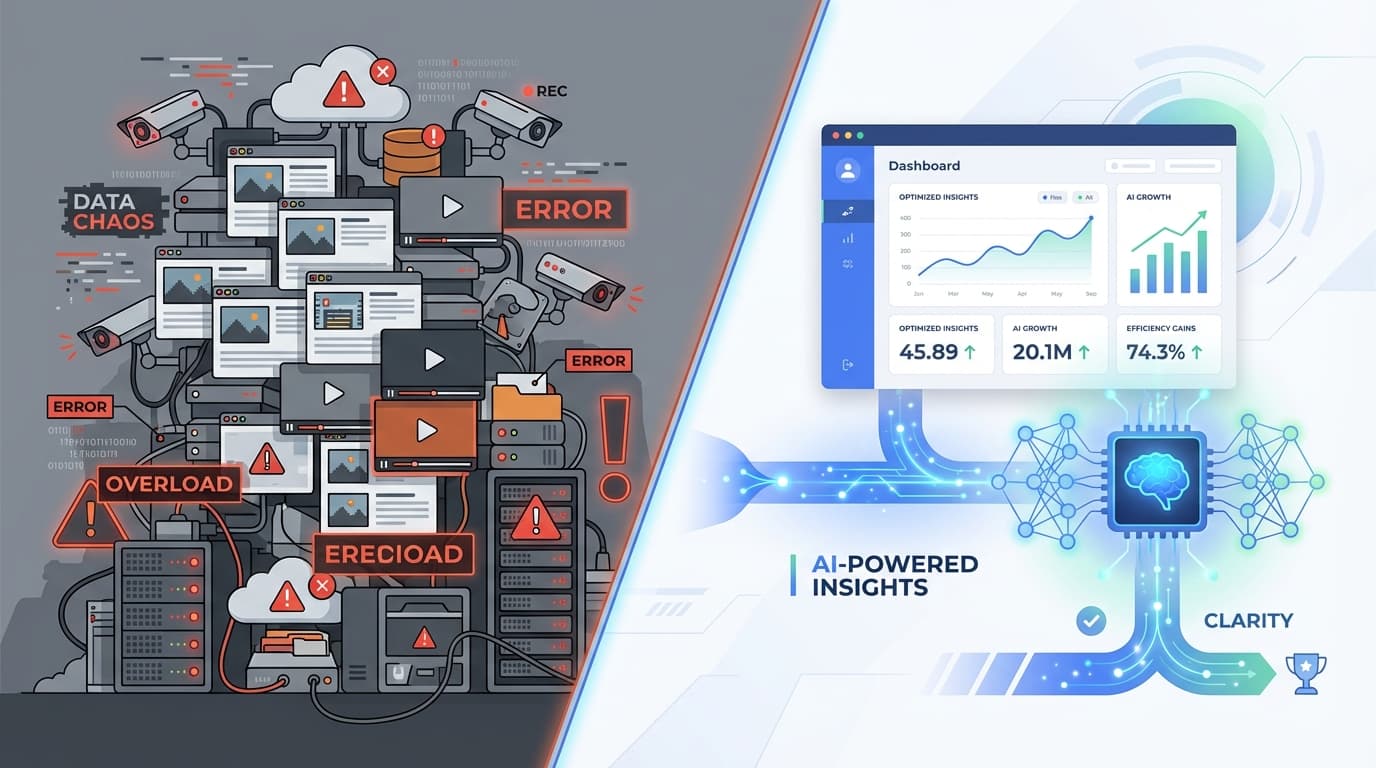
Digital Hoarding vs. Digital Insight - Stop Treating Your Employees Like Crime Suspects
Learn why traditional employee monitoring creates security liabilities and how ScreenJournal's AI-first approach extracts insights without storing invasive screenshots or video.
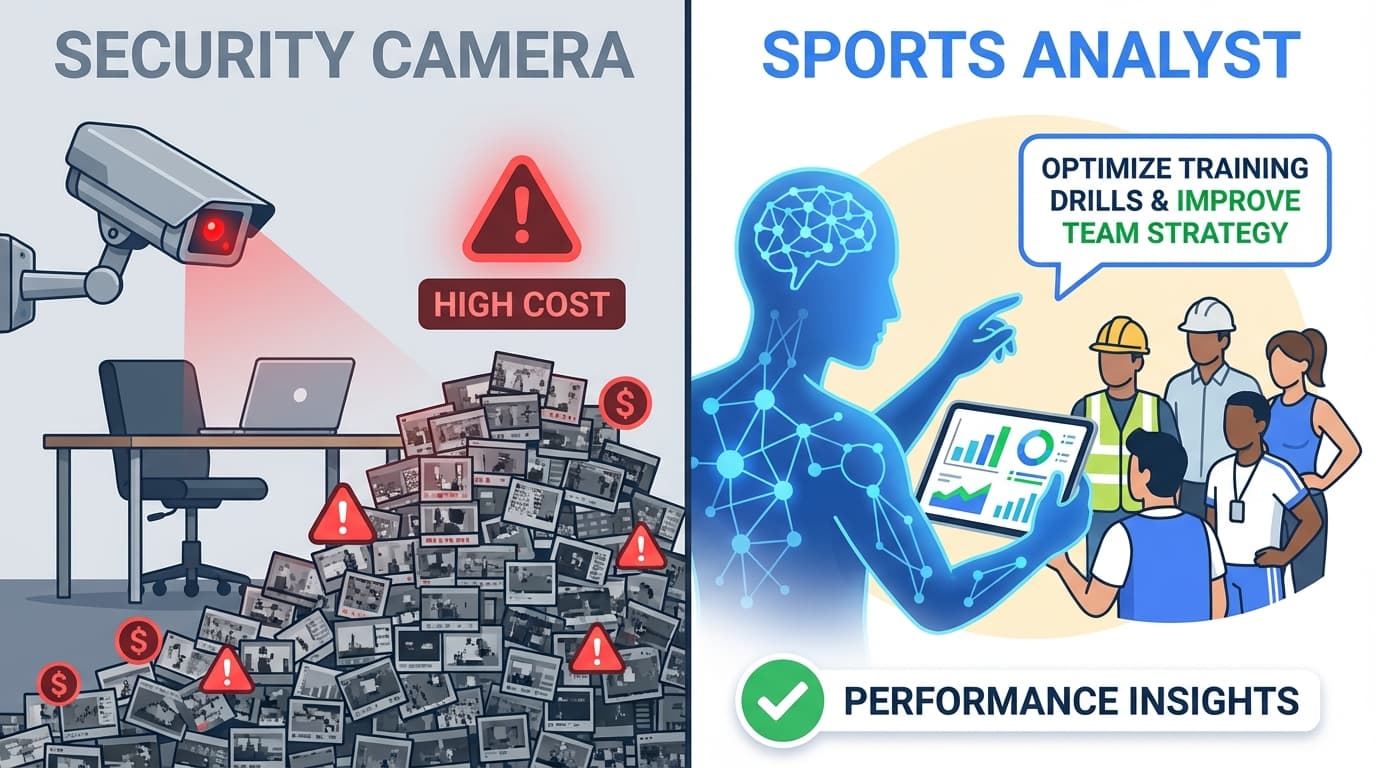
ScreenJournal vs. Hubstaff: Security Camera vs. Sports Analyst
Hubstaff stores 7,200 screenshots per day per team. ScreenJournal uses AI to extract insights and deletes the video immediately. Compare privacy, GDPR compliance, and total cost of ownership.

The Goldfish Protocol - Why Our AI Forgets Your Screen Recording Instantly
Discover how ScreenJournal uses the "Goldfish Protocol" to analyze employee activity without storing invasive video. Learn about our privacy-first architecture using Gemini and InfluxDB.